Loading…
Back to products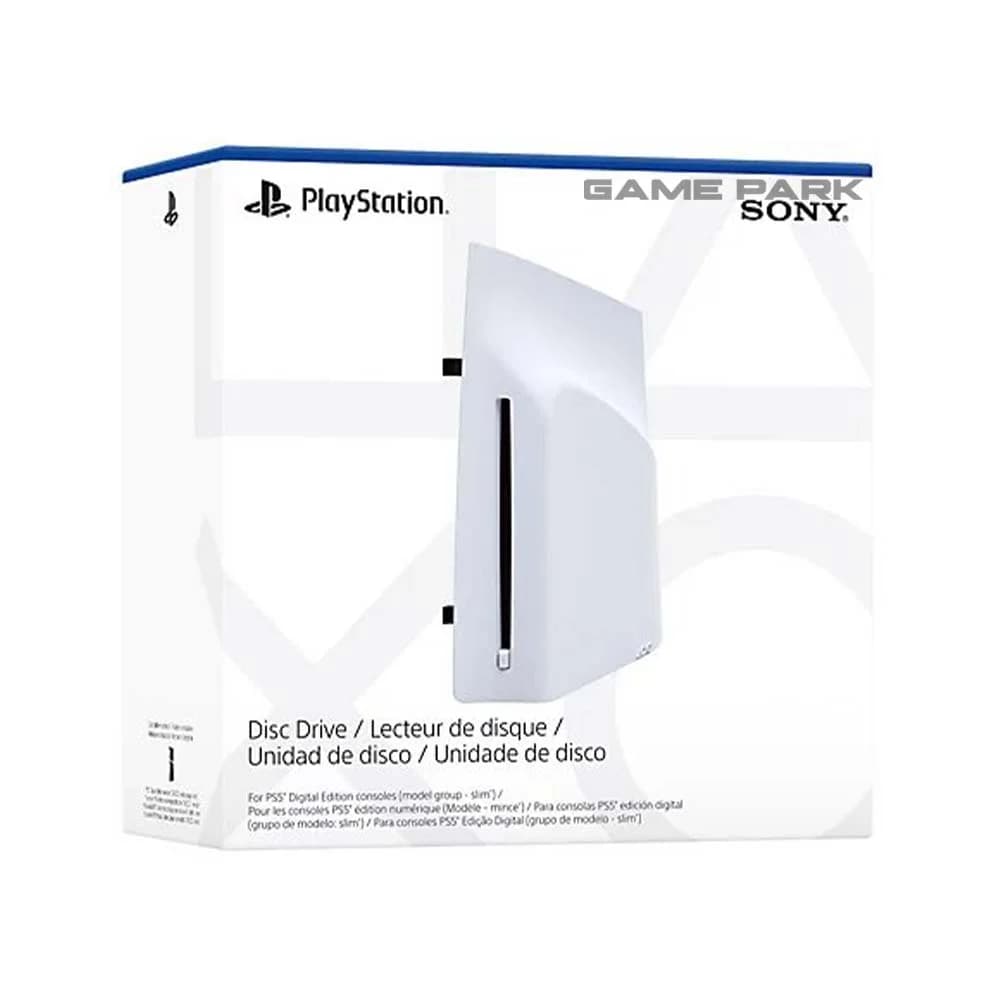 Buy on WhatsApp (opens in a new tab)
Disc Drive For PS5 Digital Edition Consoles
- Category
- Ps5-Accessories
PKR 40,000.00
In stock
Condition warranty: 0 days
Description
Add a disc drive to your PlayStation 5 Digital Edition console (model group – slim) Play PS5 games and a vast back catalog of supported PS4 titles on Blu-ray™ Disc. Enjoy watching movies and shows on 4K Ultra HD Blu-ray™ Discs, Blu-ray™ Discs, and DVDs Discover Games and Movies on Blu-ray™ Disc Disc Drive For PS5 Digital Edition Consoles So Many Games Play PS5® games and a vast back catalog of supported PS4® titles on Blu-ray™ Disc. Amazing Entertainment Enjoy watching movies and shows on 4K Ultra HD Blu-ray™ Discs, Blu-ray™ Discs, and DVDs. How to attach the disc drive to PS5 consoles (CFI-2000 model group – slim) Place your console on a soft cloth spread over a flat surface before attaching your disc drive. Step 1 Go to the control centre and select Power > Turn Off PS5. The screen goes blank, the power indicator flashes white, and then turns off. Step 2 Remove the AC power cord and cables, and then wait for the PS5 console to cool down. The main unit of your console is hot immediately after use. Step 3 Place the console with the bottom facing up and the front side facing you, and then remove the horizontal stand feet (short) Disc Drive For PS5 Digital Edition Consoles